Getting started with SimuLab
Updated on August 5, 2026
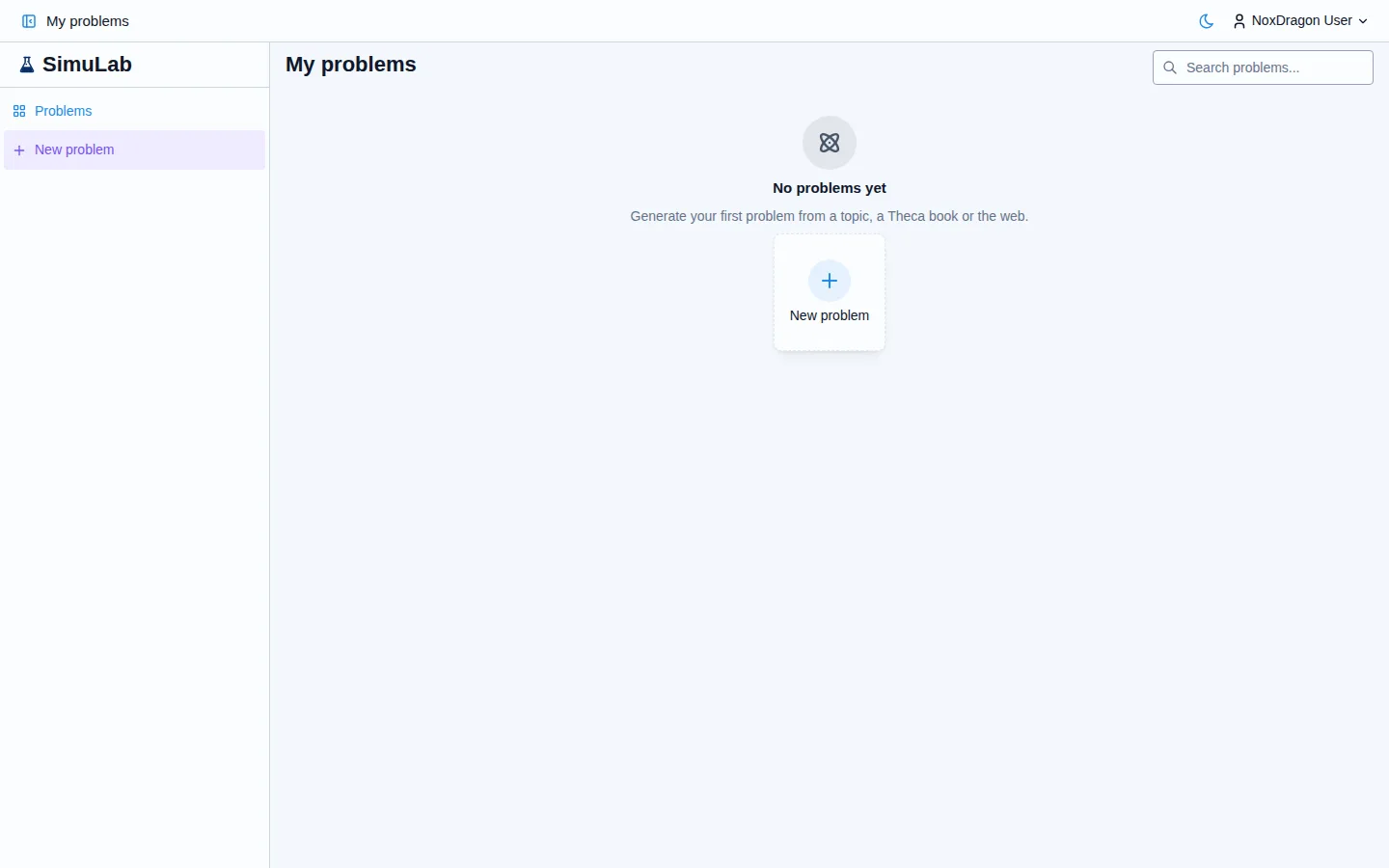
SimuLab generates practice problems tailored to you and grades them with a detailed explanation. You can ask for a problem on any topic or pull it directly from your Theca books.
1. Open the app
Go to simulab.noxdragon.com and sign in with your NoxDragon account. If you don't have one yet, create it from that same screen. The same account gives you access to all NoxDragon Academic apps.
2. Create your first problem
In the navigation bar, click Create problem. Choose between two modes:
- With AI — the AI builds the problem from a topic and the sources you choose.
- Manual — you write the statement, answer and details yourself.
To start with AI, type a topic in the What topic? field (for example: projectile motion with air resistance) and click Generate problem. The app shows progress on screen while it works.
If you have books uploaded in Theca, choose Your books as the source. The problem will be based on the actual content of your material.
3. Choose the answer format
Before generating, you can specify how you want to answer: a number, multiple choice, free text or step by step. If you leave it on Automatic, the AI picks the most appropriate format for the topic.
4. Solve the problem
When the problem is ready, click Open problem. The solving screen shows:
- The Statement with the full problem description.
- The Answer field where you enter your solution.
- A Simulation tab if the problem includes an interactive animation.
Enter your answer and click Submit (or use the shortcut Ctrl+Enter).
5. Read the feedback
After submitting, the app shows the Feedback with a full explanation of the correction and, when applicable, the sources the problem was based on. If you get stuck before submitting, open the Hints tab to see a concept map that guides you without giving away the answer.
Frequently asked questions
Do I need books in Theca to use SimuLab? No. You can request problems using only the AI's knowledge or web sources. Theca books are an additional option for those who already use them.
Can I create problems without using AI? Yes. Select Manual on the Create problem screen and write the statement, choices and correct answer yourself.
Are problems saved? Yes. All problems are stored in your My problems library and you can organize them into collections.
What happens if generation fails? The app will let you know, and you can click Try again or change the topic and try once more.
Next step
- Interface tour — learn about every screen in SimuLab and how to navigate between them.
- Creating problems — advanced options to adjust difficulty, sources and answer format.
- Hints — how the concept map works when you get stuck.